



System integration · Service 03
Enter it once. Let your systems do the rest.
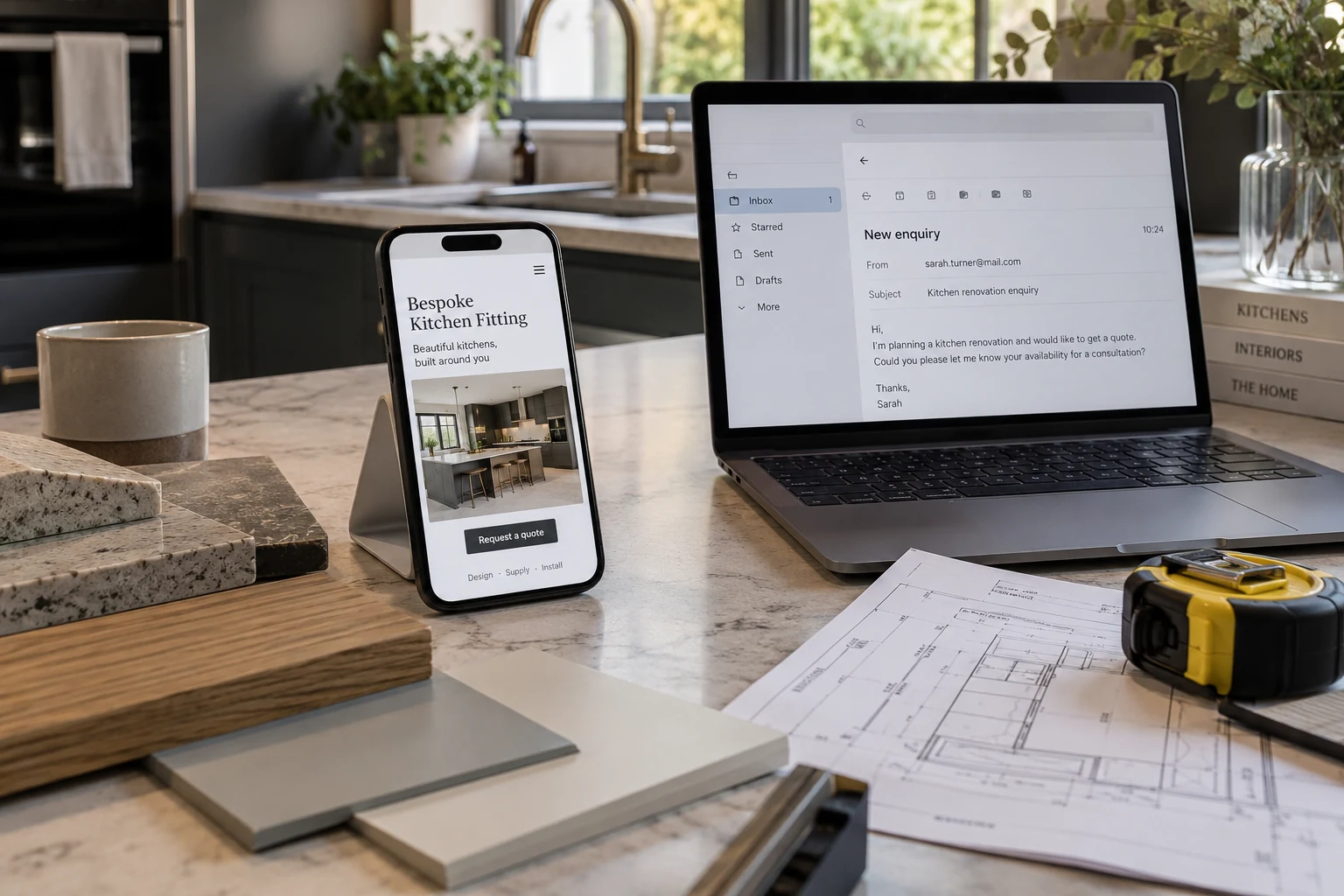
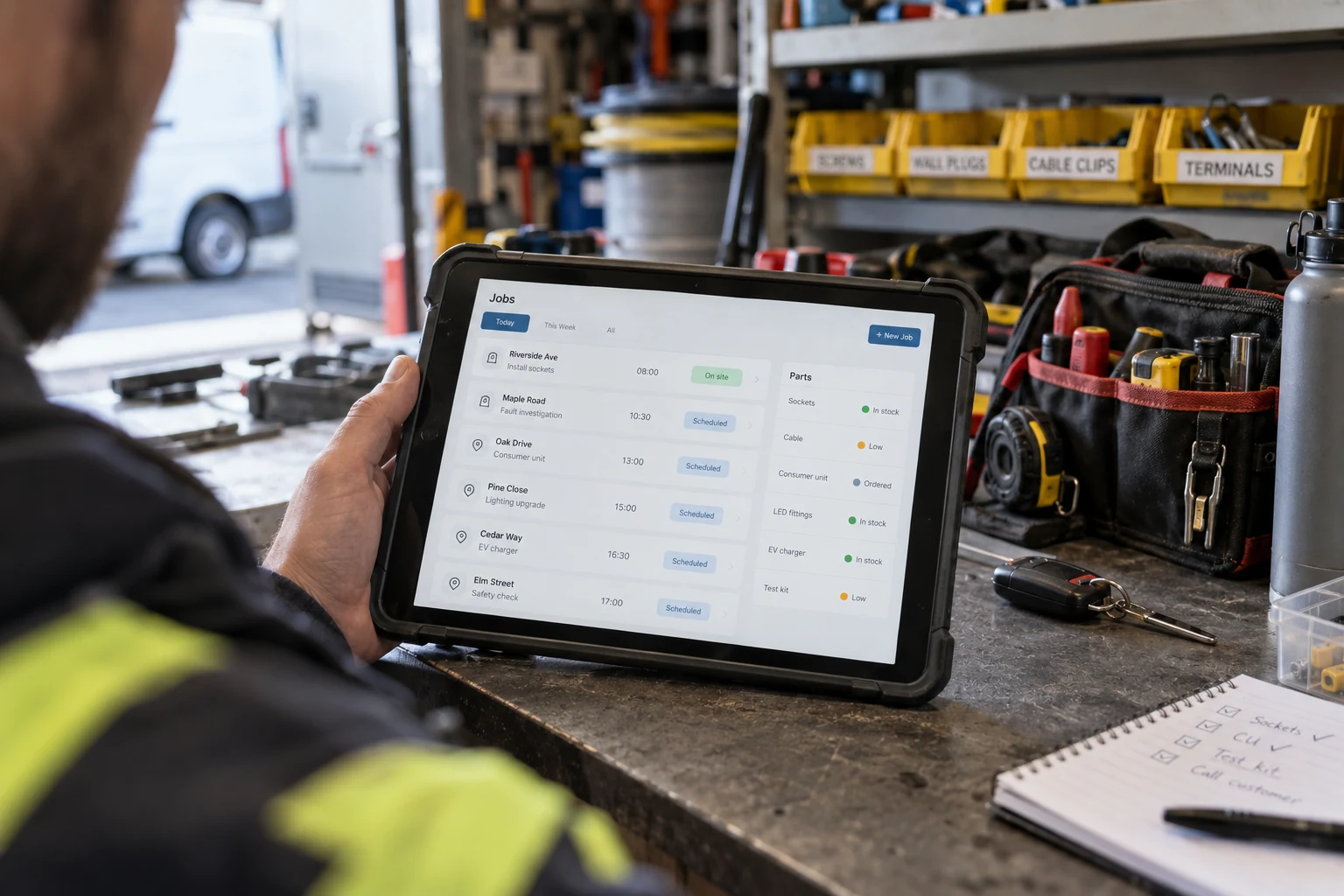
Your business relies on different tools and systems, but they don't always work together. We connect your software, platforms and processes so information flows seamlessly between them, reducing manual work, saving time and helping your business run more efficiently.
Connect the tools you already use
What integration removes
Six everyday frustrations you can leave behind.
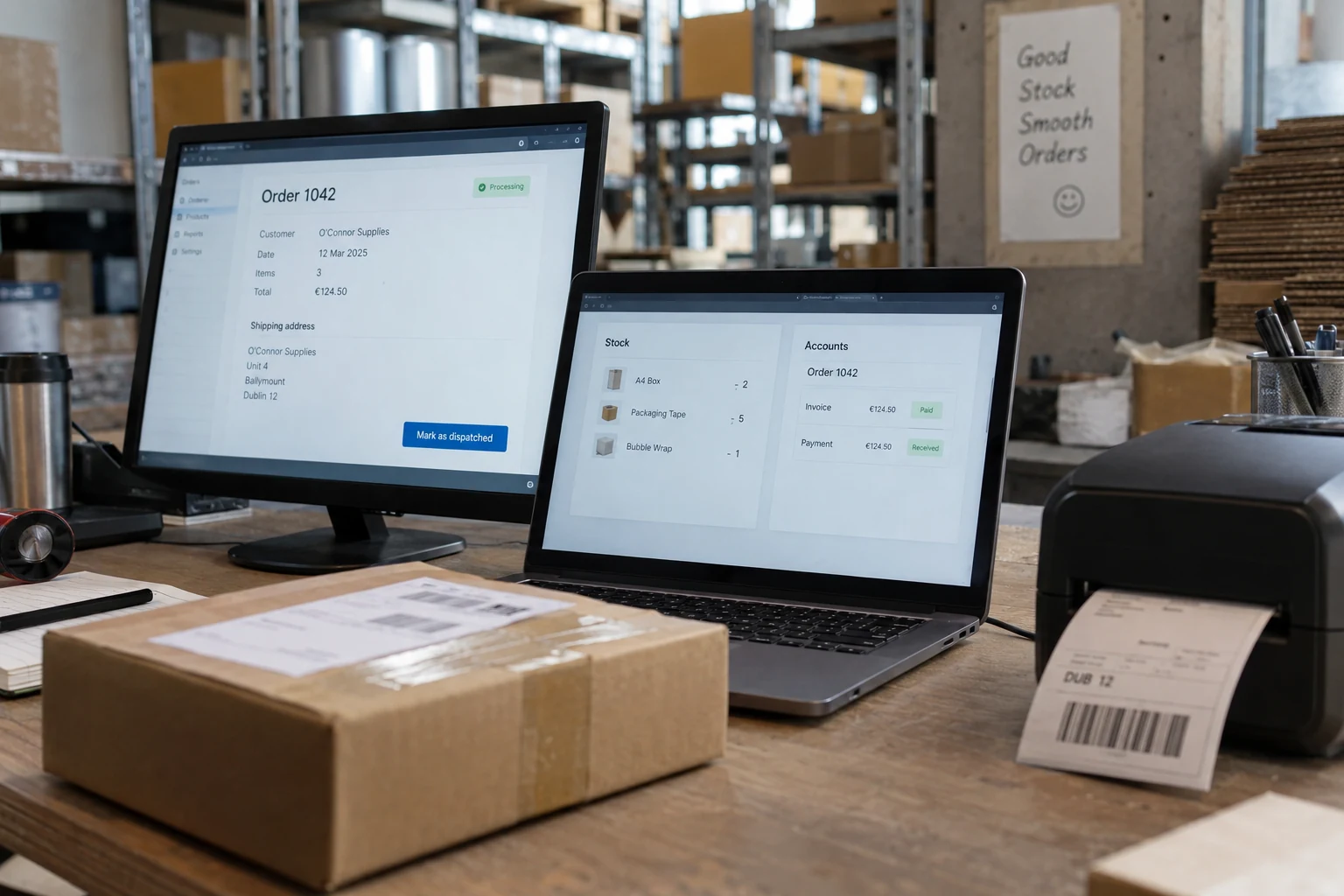
Small inefficiencies add up. By connecting your systems, we help eliminate repetitive tasks, reduce errors and give your team more time to focus on what matters.
- 01
No more double entry
Enter information once and let it flow across your connected systems, saving time and avoiding repeated work.
- 02
Consistent information
Keep customers details, prices and records aligned so everyone works with the same information.
- 03
Less chasing
Share updates automatically between systems instead of waiting for manual action.
- 04
Fewer delays
Share updates automatically between systems instead of waiting for manual action.
- 05
Reduced errors
Minimise manual data entry and catch inconsistencies before they create bigger problems.
- 06
Less reliance on one person
Keep important processess running without depending on one team member to manage everything.
How it works
One update. Every system in sync.
- 01 - SOURCE
It starts with one lead
Information is entered or updated in your main system.
- 02 - VALIDATE
Checked for accuracy
Information is checked for errors, duplicates and permissions.
- 03 - SYNCHRONIZE
Systems stay connected
Updates are automatically shared with the relevant systems.
- 04 - MONITOR
Keep everything on track
Activity is monitored and any issues are flagged for review.
An illustrative workflow, tailored to your business systems and requirements.
Straight answers
Questions about system integration?
If your question is not here, ask directly. You will get a straight answer, not a sales call.
Ask us a questionWhat is system integration, in plain words?
It is making the tools you already own share the same information automatically. When an order is created in one place, every other system that needs to know about it is told, without a person doing the telling.
Do we have to change the tools we use?
No if the application provides API (Application Programming Interface). Integration keeps the software your team already knows and connects it. Replacing a tool is a separate decision, and usually a later one.
What if one of our systems has no integration option?
Most have one, through an API. When a system genuinely does not, we work with the files or the database it produces. It is rare that nothing can be done.
How long does it take?
A single connection between two systems takes two to four weeks. A full set of connections across a business takes six to twelve weeks. However all of this depends on the complexity of a project and client needs.
What happens if a connection fails?
It retries, and then it tells somebody. You get an alert naming the record that failed, so nothing disappears quietly. That monitoring is part of the build, not an extra.
Is our data safe when systems talk to each other?
The connection is encrypted and it carries only the fields that are needed. We write down exactly what moves where, and you approve that list before we build anything.



Start a conversation
Let's talk about what your business needs.
Tell us about your ideas, goals or challenges. We'll explore how we can help turn them into the right solution for your business.
20 minutes · no obligation · A personal conversation about your project