Why visual search deserves attention now
On 24 September 2026, Google announced multimodal Search Console reporting for searches involving services such as Lens, Circle to Search, image uploads and Chrome image search. The update adds a way to examine this discovery route where a site receives relevant traffic.
It is a measurement development, not evidence that every site now receives a large volume of visual searches. For a business with products, physical work or visually distinctive results, it is a reason to review how images lead to useful pages.
Think about the visitor’s next question. Someone seeing a kitchen installation may want the service area and process. Someone recognising a product may need its name, dimensions or availability. The landing page should answer that next question.
Choose an image that does a job
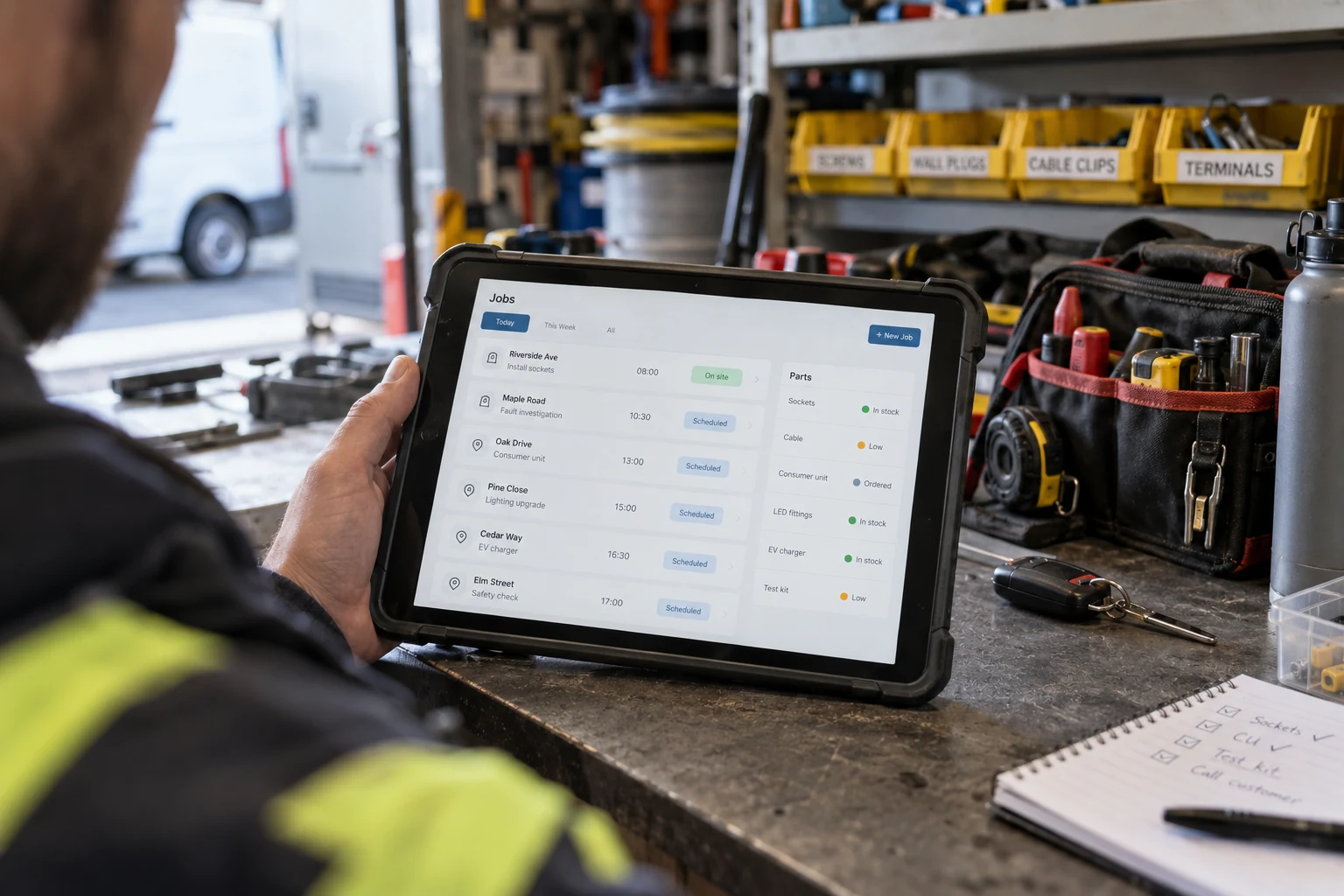
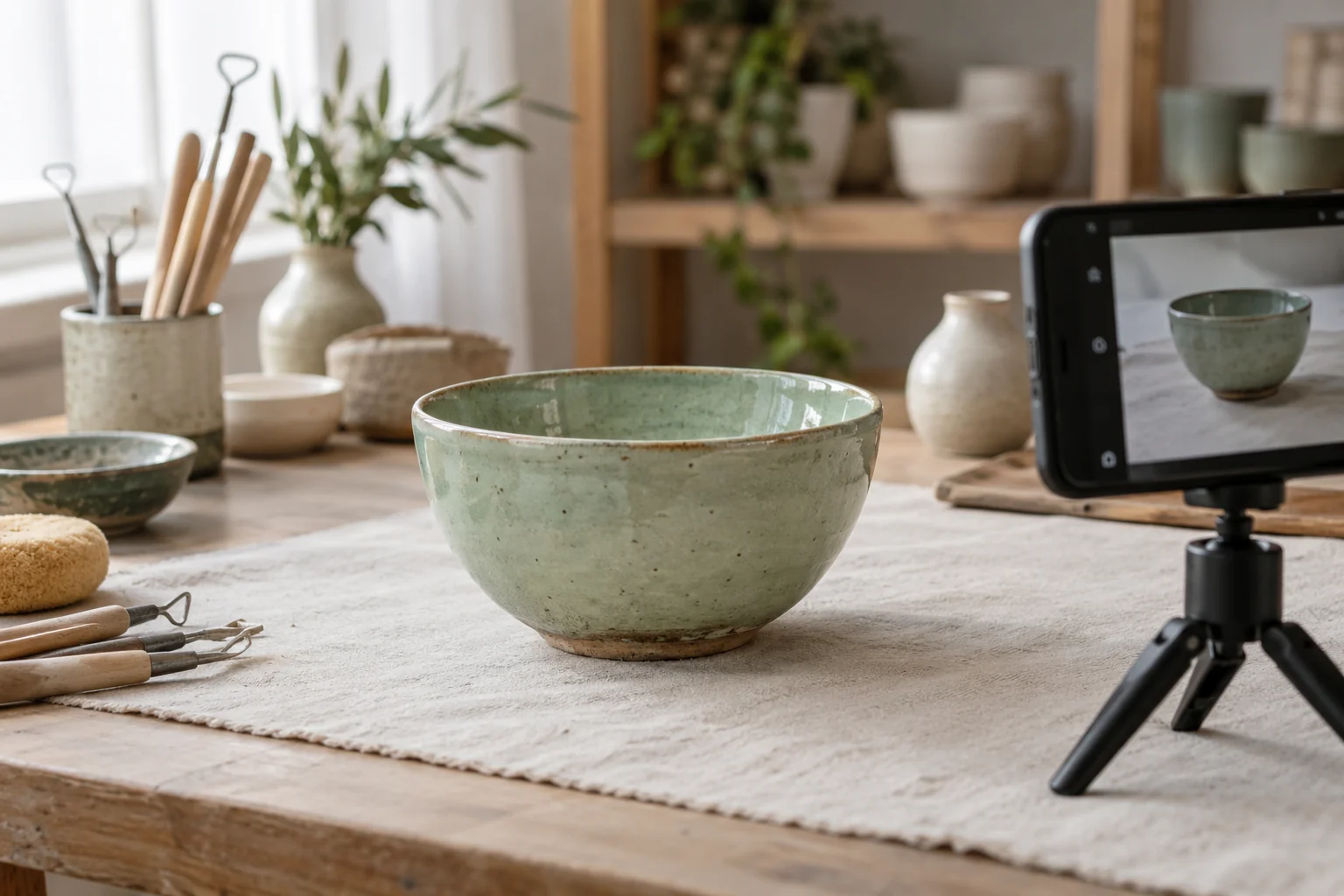
Use a real photograph when the reader needs evidence of a named product, completed job or actual team. Use an illustration when the purpose is to explain a concept. Do not present a generated scene as a photograph of work your business has completed.
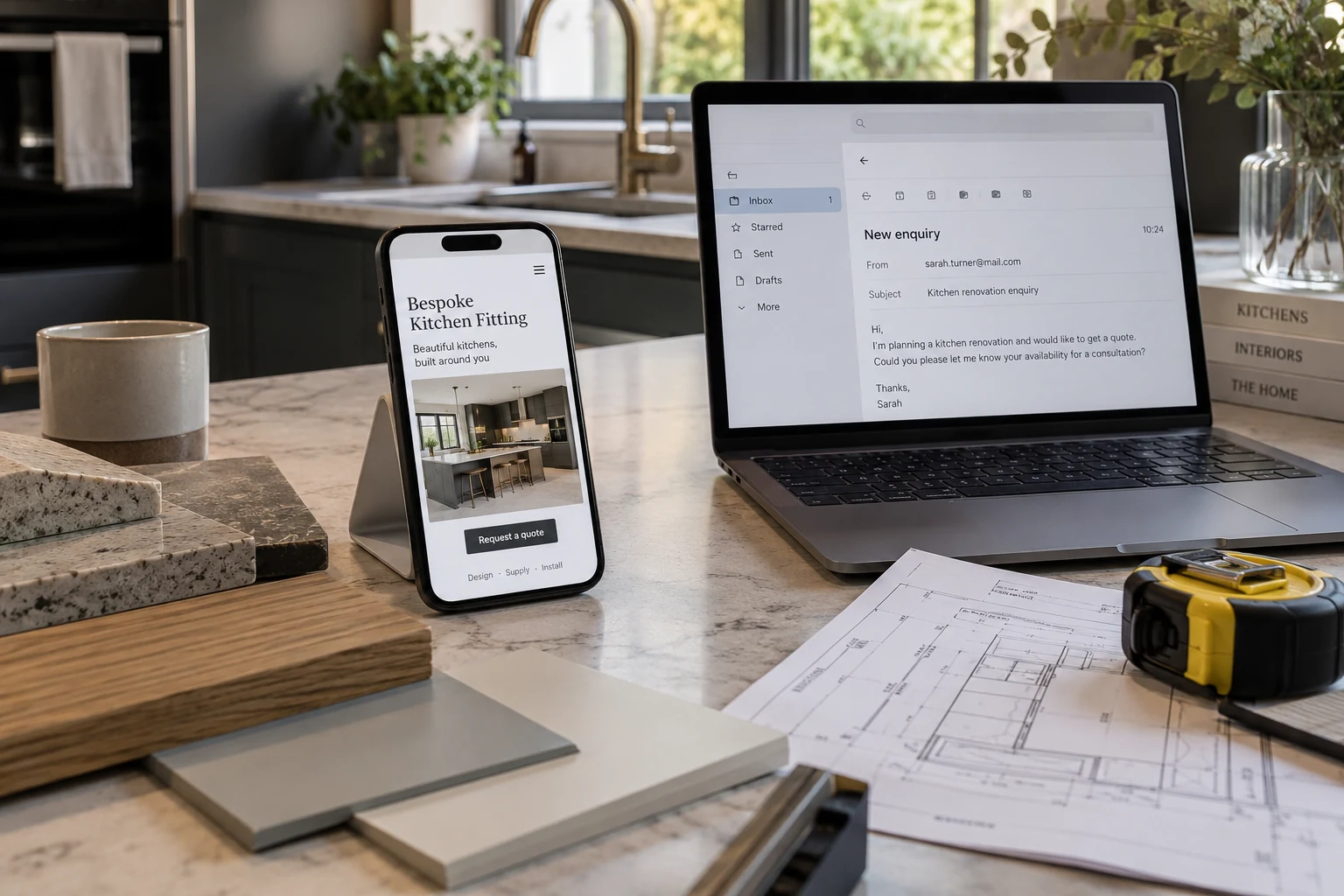
For an illustrative local installer, a project page might show the completed room, explain the agreed scope and link to the relevant service. A generic attractive room with no relationship to the work would give the visitor less useful information.
- Identify what the image helps the reader understand.
- Choose a clear subject that still works at thumbnail size.
- Keep important details away from edges that may be cropped.
- Place the image beside the relevant explanation.
- Use a caption when provenance or context needs clarification.
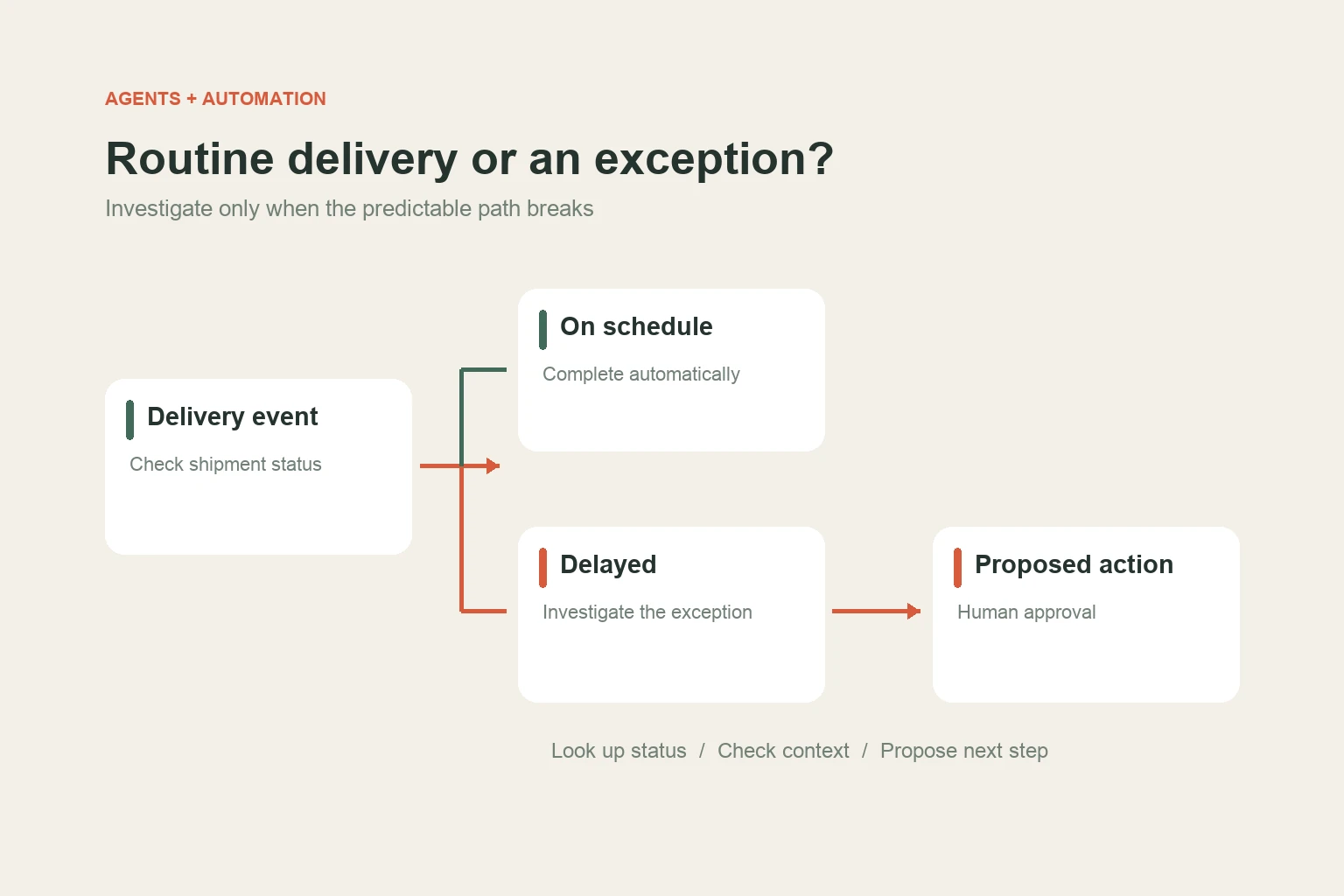
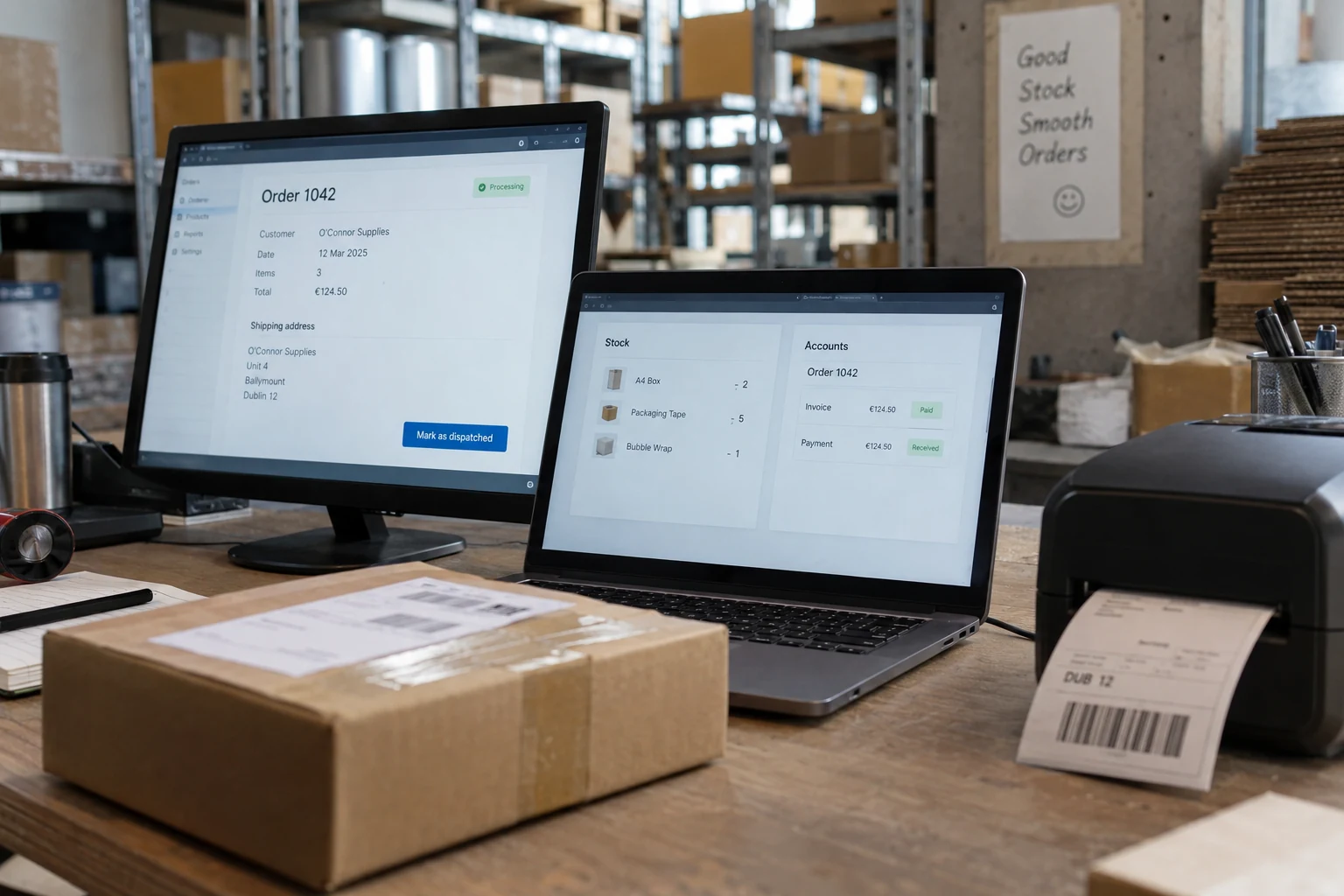
An image can also explain a workflow or comparison. In that case, keep the important explanation in page text too, so it remains available to readers who cannot see the artwork.
Make the image easy to discover and understand
Google’s image SEO guidance recommends standard HTML image elements with a usable src URL. It also describes the value of relevant page context, descriptive filenames and helpful alt text. CSS background artwork is not a substitute for an indexable content image.
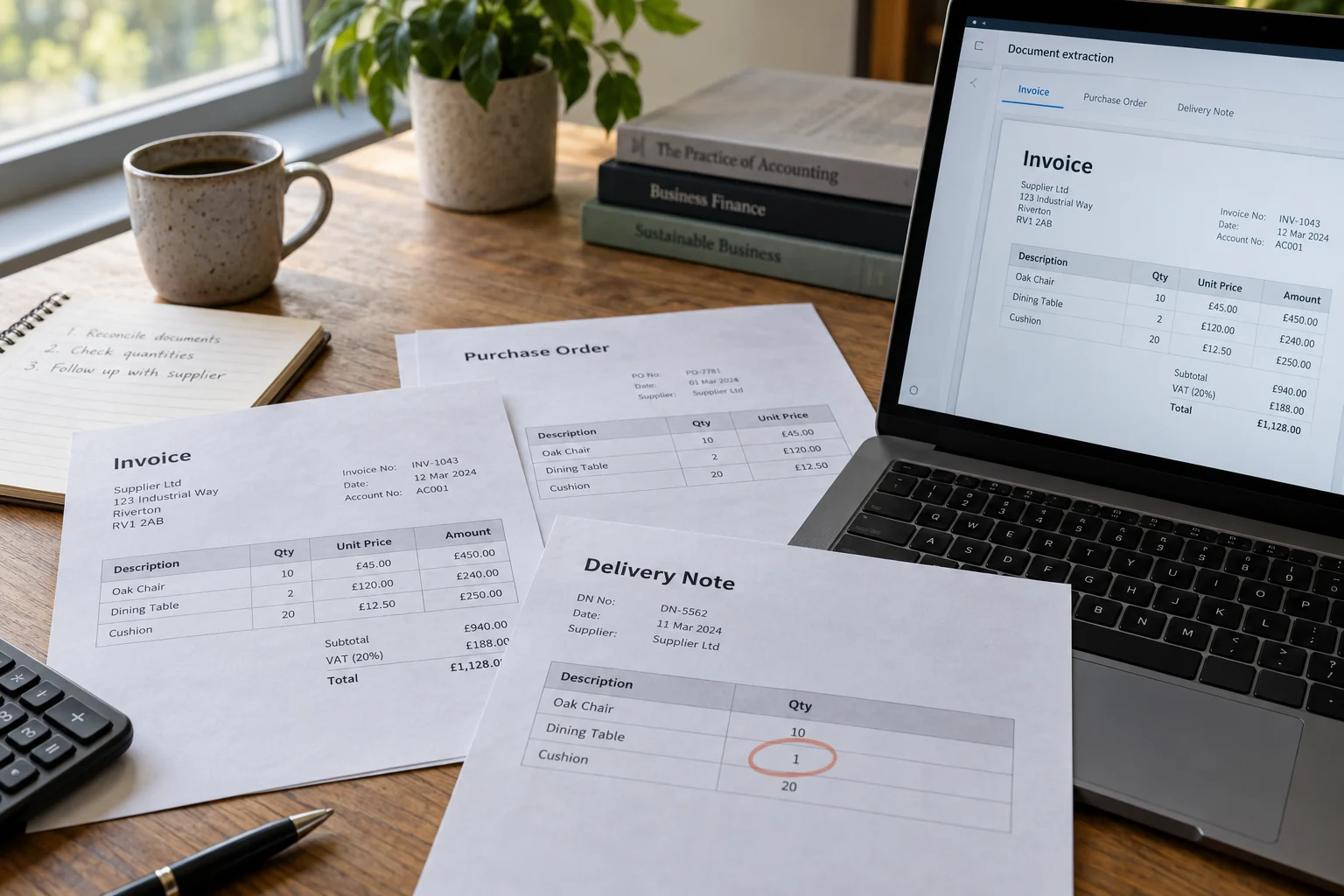
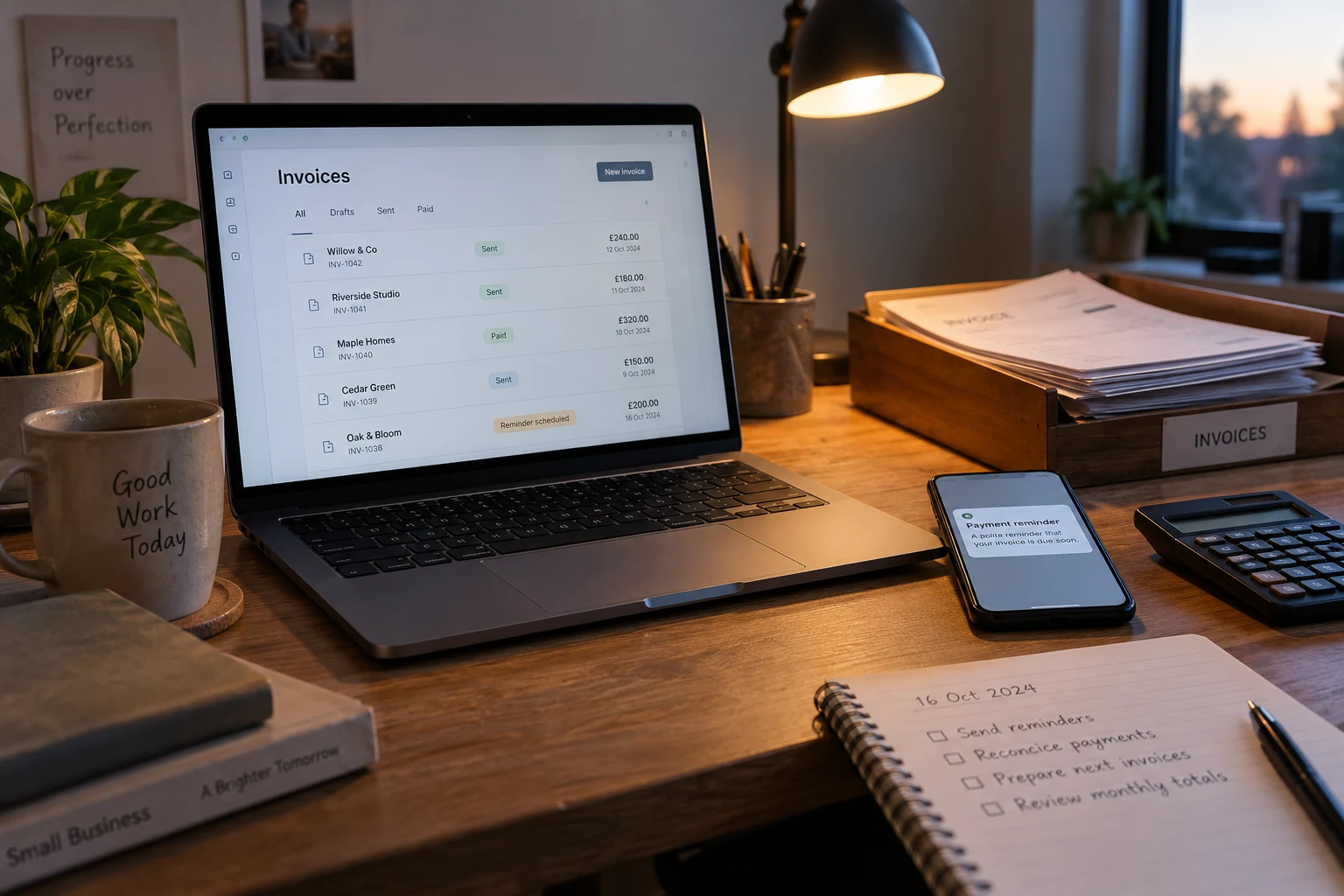
Describe what the image shows in natural language. “Ivory invoice sheets entering an orange review tray” is useful for the illustration on an invoice workflow article. A list of service keywords would be less useful to someone using a screen reader.
Give files descriptive names, keep a stable public URL and provide explicit dimensions to reduce layout movement. Compress the file enough for a fast page while checking that the subject remains clear. Avoid making the reader download an enormous original simply to see a small card.
These practices improve the content and its delivery. They should not be presented as a formula that guarantees a position in Google Images or an AI answer.
Connect the visual to the right landing page
Link a product image to the product, a project image to the project and an editorial cover to the article. The destination should continue the subject the visitor has already seen.
For editorial pages, Google’s Article guidance provides a way to identify the representative image alongside the headline and publication details. Those details should match the visible content.
Check the mobile crop as well as the desktop composition. An image that loses its subject on a narrow card may fail to explain the article even if the original is beautiful. Also check that the image is not the only link target; a clear text headline gives readers another way into the page.
Review three pages together: the archive card, the destination page and a narrow-screen version of that page. This small check often finds a misleading crop, an unclear caption or a link that goes to the wrong place.
Use the new reporting to ask better questions
If multimodal data is available for your verified property, review which pages receive those visits and which subjects appear to bring useful readers. Compare like-for-like periods and note any image or content changes you made.
Keep a separate record of meaningful outcomes. Did a reader open a relevant service page, request information or make an enquiry you could help with? A discovery channel is valuable when it leads to the right audience, not simply because a chart rises.
Use the result to choose the next content improvement. A well-visited page with weak context may need a better explanation. A useful article with an unclear cover may need a clearer visual. The evidence should guide the edit.
Read our SEO and GEO priorities for 2026 for the broader publishing checklist.
Sources and further reading
Primary sources checked on 3 October 2026. Product announcements describe vendor plans and capabilities; availability and results depend on the implementation.
- Google: Multimodal search performance reporting
24 September 2026 - Google: Image SEO best practices
Documentation checked 3 October 2026 - Google: Article structured data
Documentation checked 3 October 2026